Troubleshooting
Setup & Usage9
Project2
Fix the most common problems: missing engine, failed imports, offline Coach, and blocked launches.
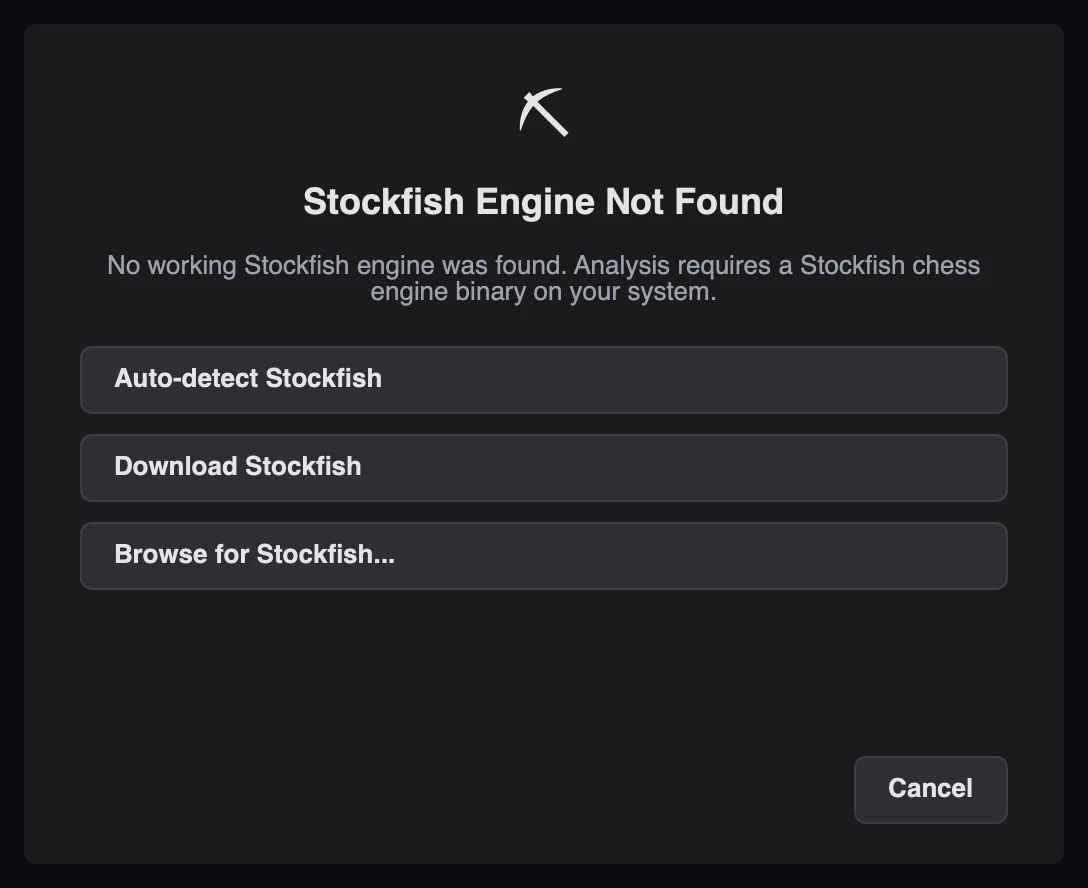
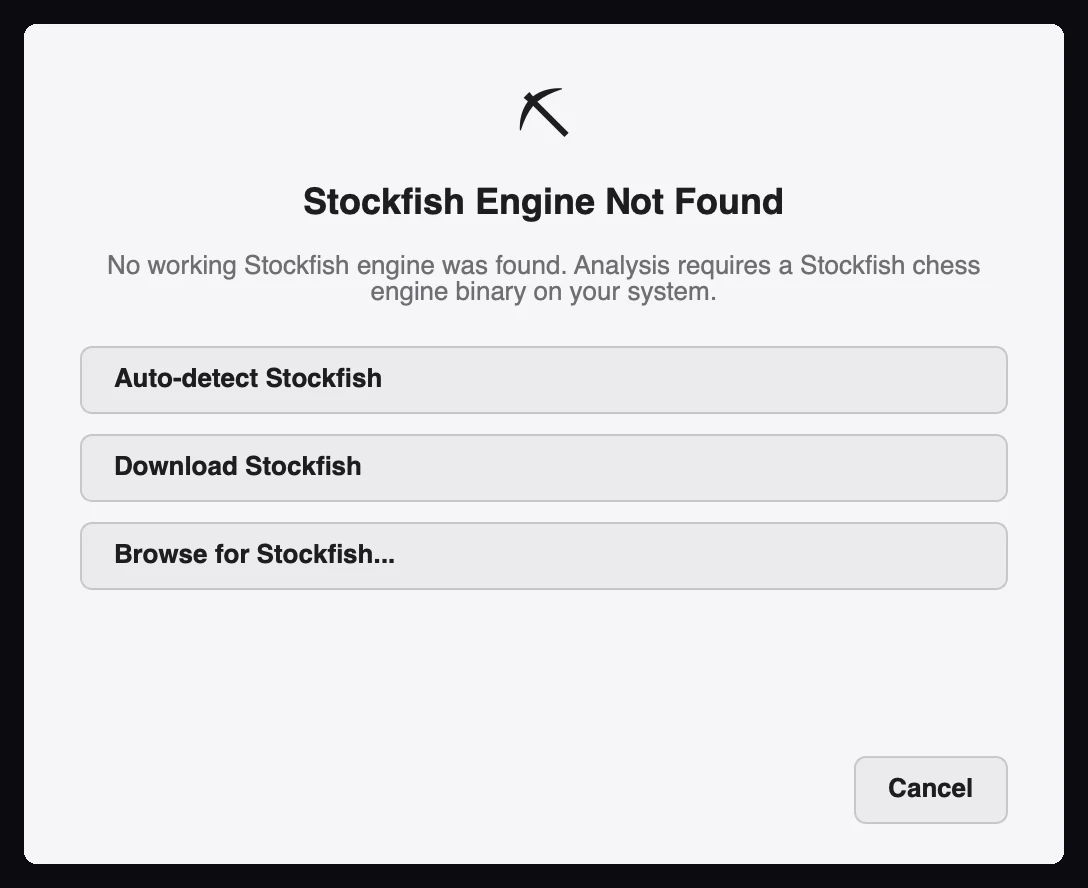
The status bar stays on something other than ● Engine ready, and analysis never begins.
| Cause | Fix |
|---|---|
| Stockfish is not installed | Open Settings → Analysis, click Browse, or use the in-app downloader |
| The saved path is wrong or moved | Re-select the binary with Browse, then Test Engine |
| The binary is not executable | On macOS or Linux, run chmod +x /path/to/stockfish |
| A quarantine flag blocks it (macOS) | Run xattr -d com.apple.quarantine /path/to/stockfish |
| The engine crashes on start | Try a different Stockfish build for your CPU architecture |
After changing the path, start a new analysis. The engine is restarted for every run, so a stale process is not the cause.
This is expected with high thread counts. The defaults are chosen for thermal safety:
| Setting | Default | Why |
|---|---|---|
| Engine threads | 1 | Fewer threads means less sustained heat |
| Engine hash | 128 MB | Transposition table size |
| Multi-PV lines | 2 | Each extra line multiplies the search workload |
Raise threads only up to min(cpu_count, 4). If you need speed without heat, lower Analysis
depth or the Time cap per position instead.
Finish or pause the running analysis before exploring a variation. The variation mode shares the engine with full analysis and refuses to start a second job.
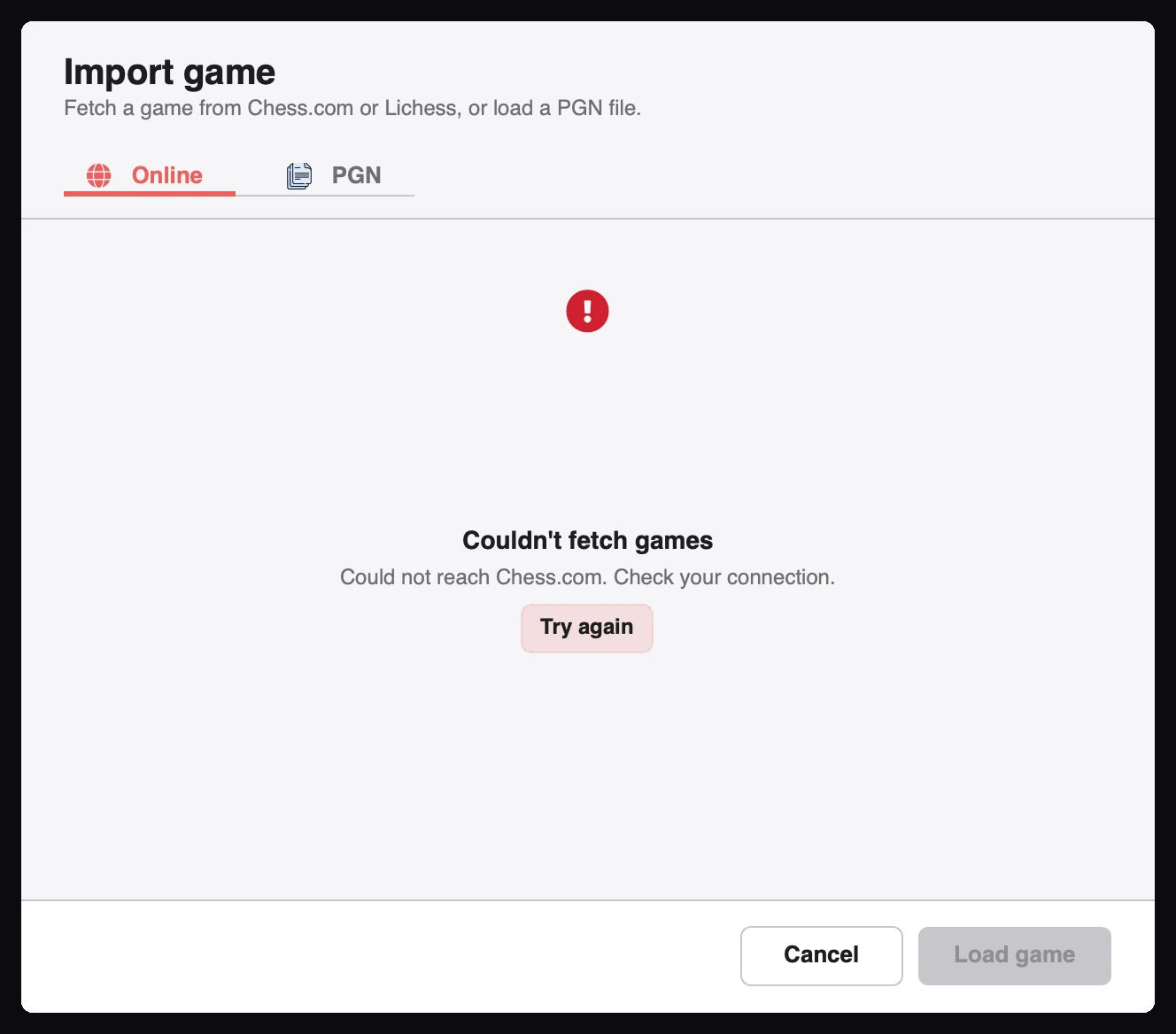
| Symptom | Cause | Fix |
|---|---|---|
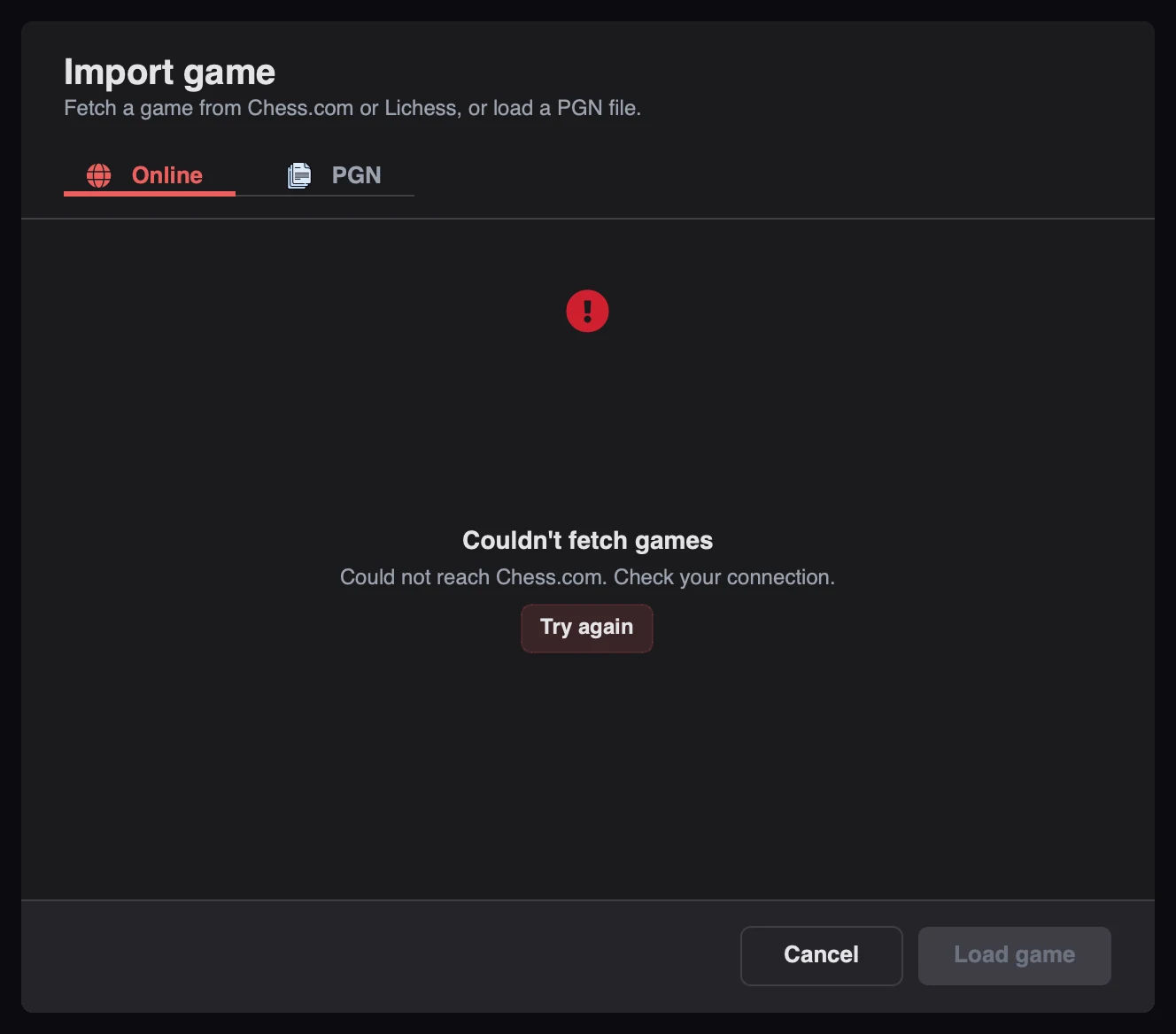
| "Invalid game link" | The URL is not a Chess.com or Lichess game page | Paste the full game URL, not a profile link |
| Fewer games than expected | The fetch limit is 20 without a Lichess token | Add a token to raise the cap to 30 |
| Empty results for a date | No games were played that day | Check the date and the username |
| Request times out | The API is slow or unreachable | Retry; requests have a 30-second timeout |
| Private Lichess games are missing | Private archives need authentication | Add a Lichess token |
Cached results remain available offline, so a game you fetched before still opens without a connection.
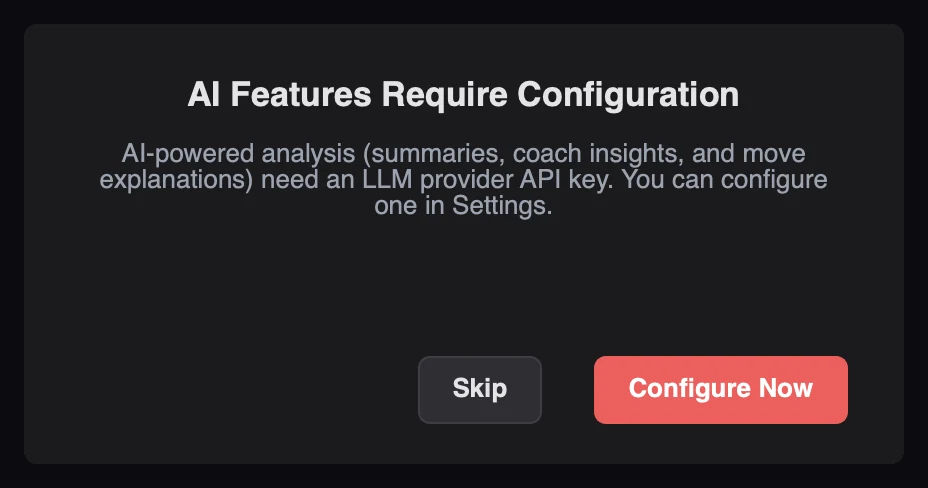
That is the offline fallback working as designed. Configure a provider in Settings → AI Coach to get model-written explanations.
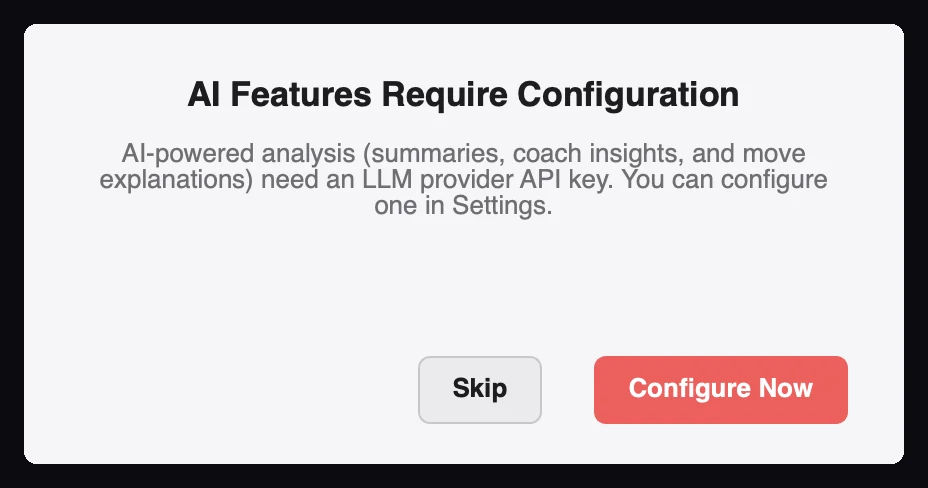
| Symptom | Cause | Fix |
|---|---|---|
| No provider listed | Nothing configured yet | Add a profile and choose Set Active |
| "Invalid API key" | Wrong or expired key | Regenerate the key at the provider and paste it again |
| Test fails for a cloud provider | No internet access, or the endpoint is blocked | Check the connection and the base URL |
| Test fails for LM Studio | The local server is not running | Start LM Studio's server on port 1234 |
Qt picks a platform plugin at launch. On a headless or unusual session, force one explicitly:
QT_QPA_PLATFORM=offscreen python main.py KDE-based desktops render best. GNOME can show minor cosmetic differences but remains fully functional.
config.json is read at startup. Close the app before editing, or change values through
Settings. Invalid values are discarded on load and replaced with the schema default.
Download Chess Analyzer Pro for Windows, macOS, or Linux. 100% free, private, and open-source.