Desktop Chess Analysis Capabilities
A local-first workbench for deep Stockfish calculations, offline opening books, SQLite database management, and move classifications. Runs entirely on your hardware.
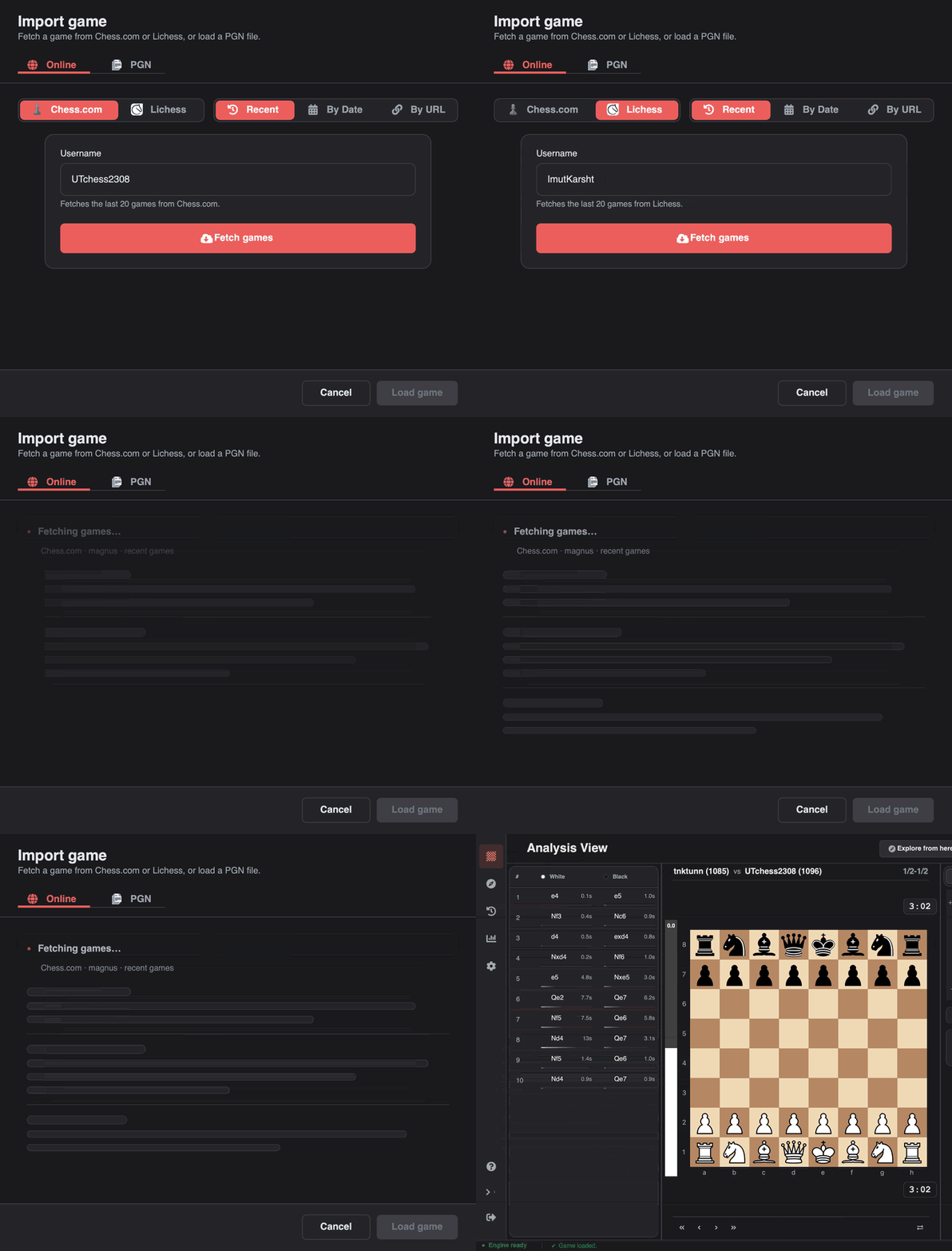
Every game source in one dialog
Load from a PGN file, paste PGN text, or pull your games from Chess.com and Lichess by recent games, date, or direct URL. Fetches run in the background, so the window stays responsive while results stream in.
- Drag-and-drop for single or multi-game PGN files
- Clipboard detection loads PGN without opening the dialog
- Imported games are stored locally and open instantly next time
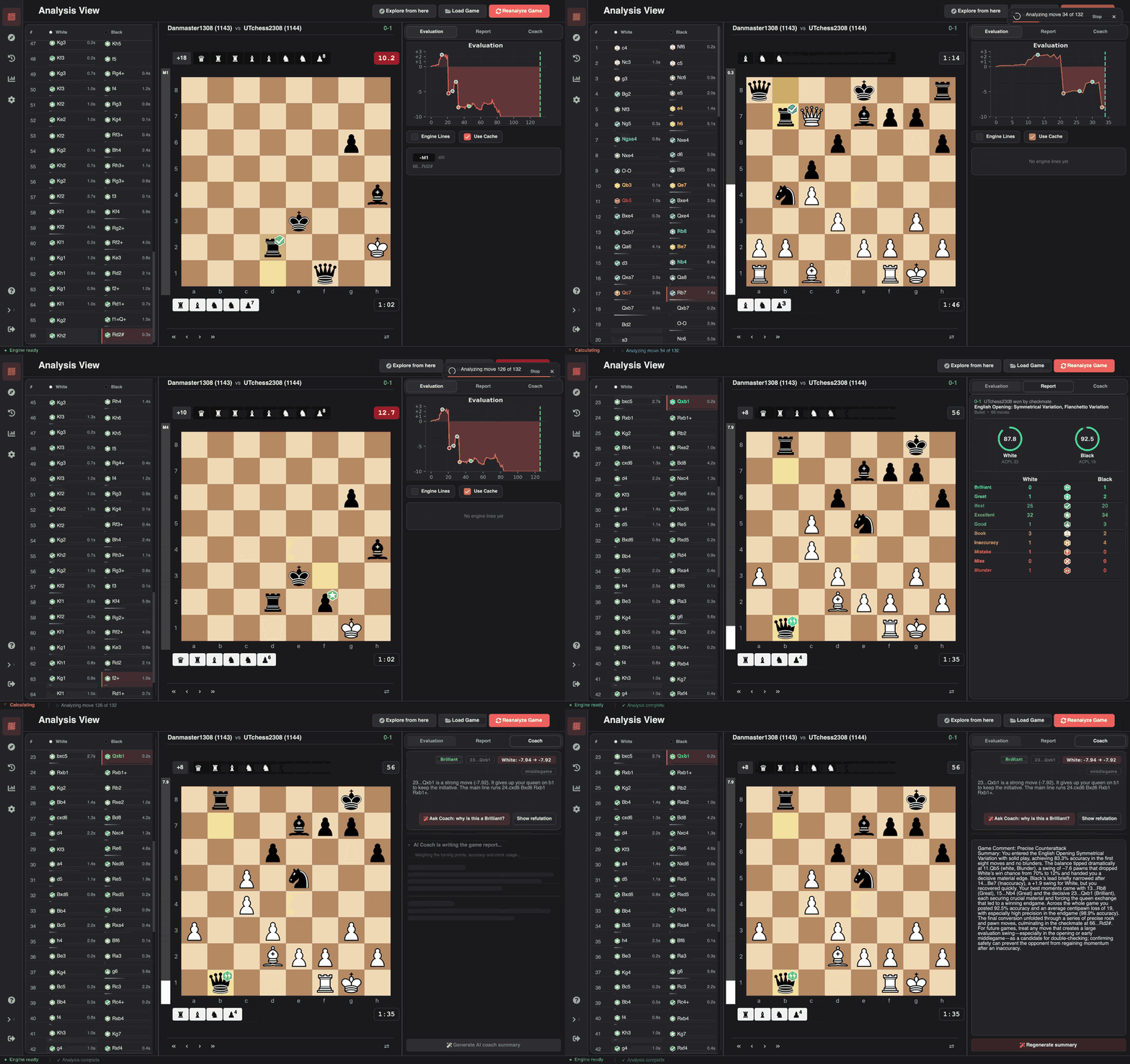
Long games do not have to finish in one sitting
Progress streams in as positions are evaluated, so you can see how far the run has reached. Pause a 90-move game whenever you need to, and resume later from the first position that was not analyzed. The full review opens once the game is complete.
- Pause at any move and resume from where it stopped
- Nine classifications, win-probability loss, and per-move accuracy once finished
- Evaluation graph, engine lines, and best-move arrows on the same screen
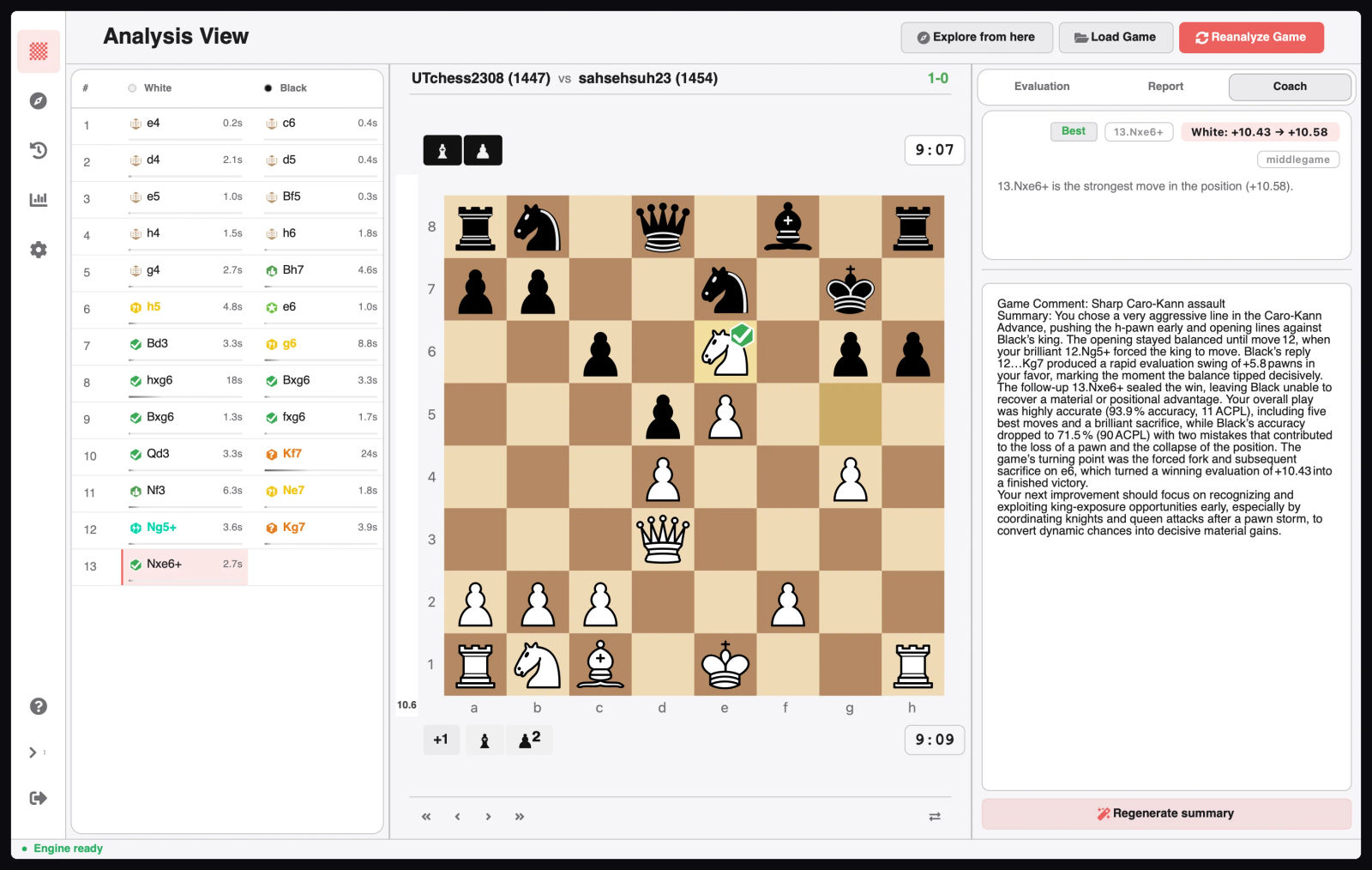
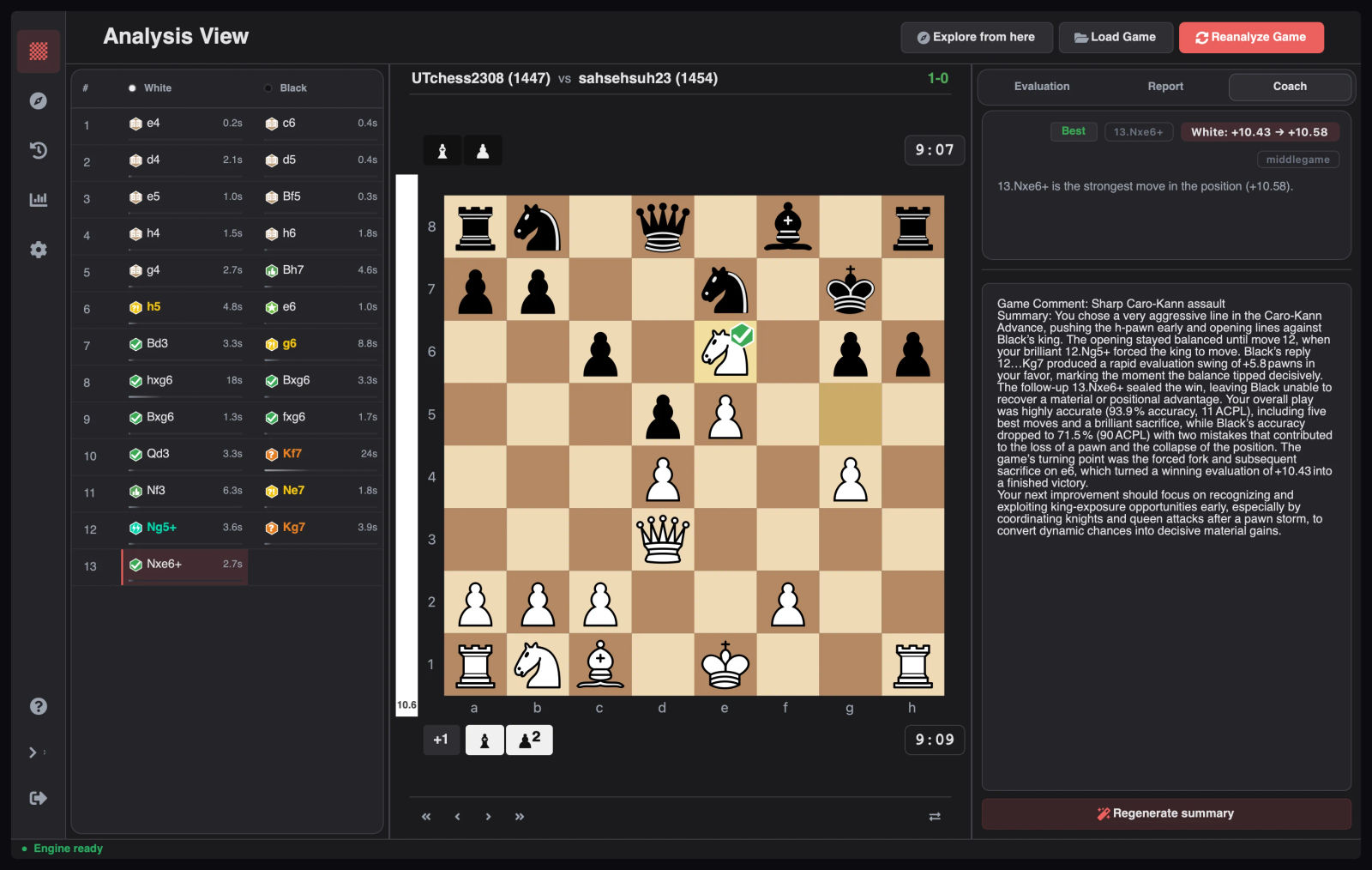
A coach that cannot invent tactics
Ask why a move was Brilliant, a Mistake, or a Blunder and get an answer built from the facts of that position. Every reply is validated against them, and an offline explanation is always available.
- Ask Coach, Show refutation, and Show best move on classified moves
- Full-game summary saved with the game, plus insights on the dashboard
- Groq, OpenAI, MiniMax, LM Studio, or your own compatible endpoint
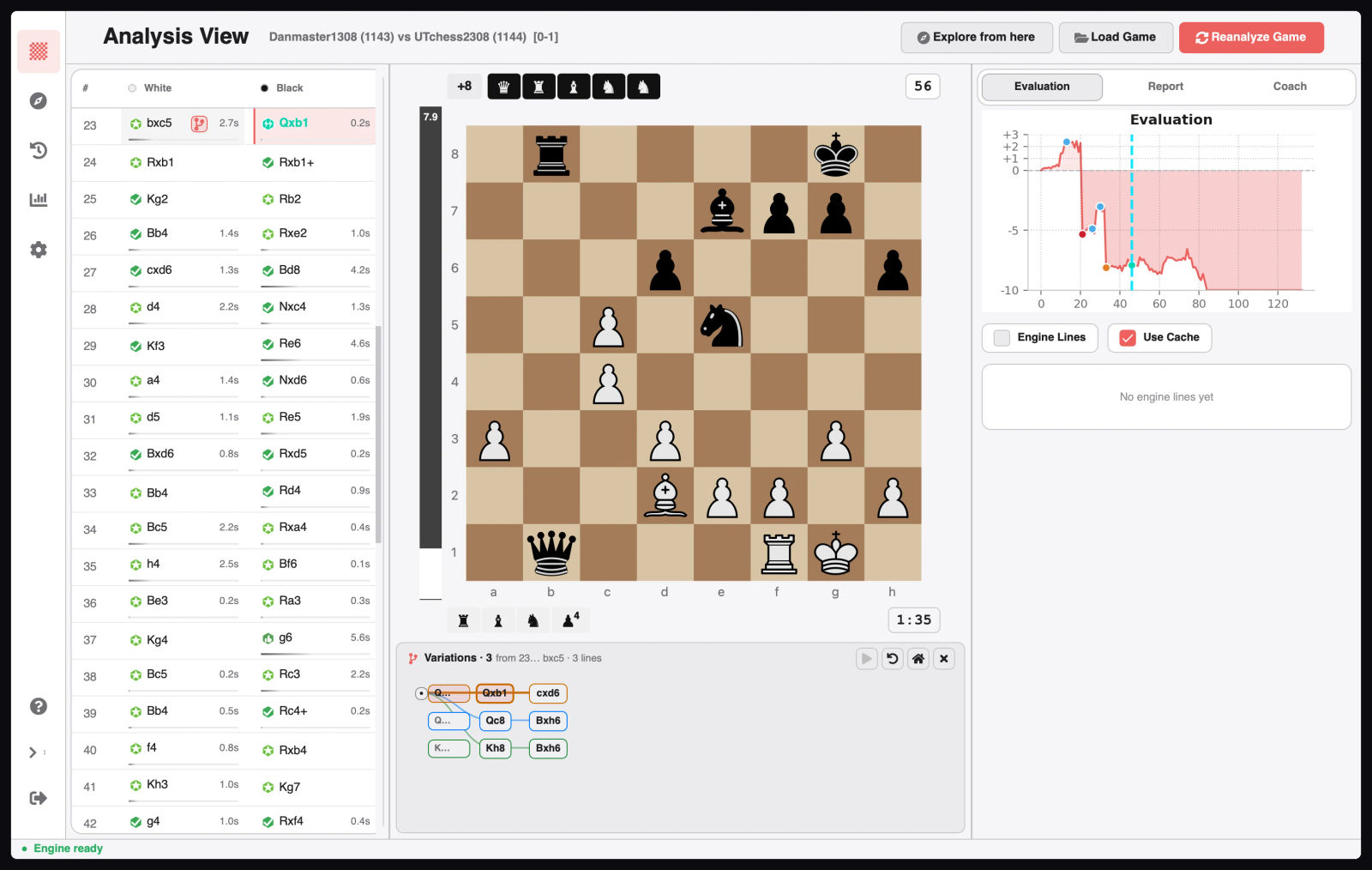
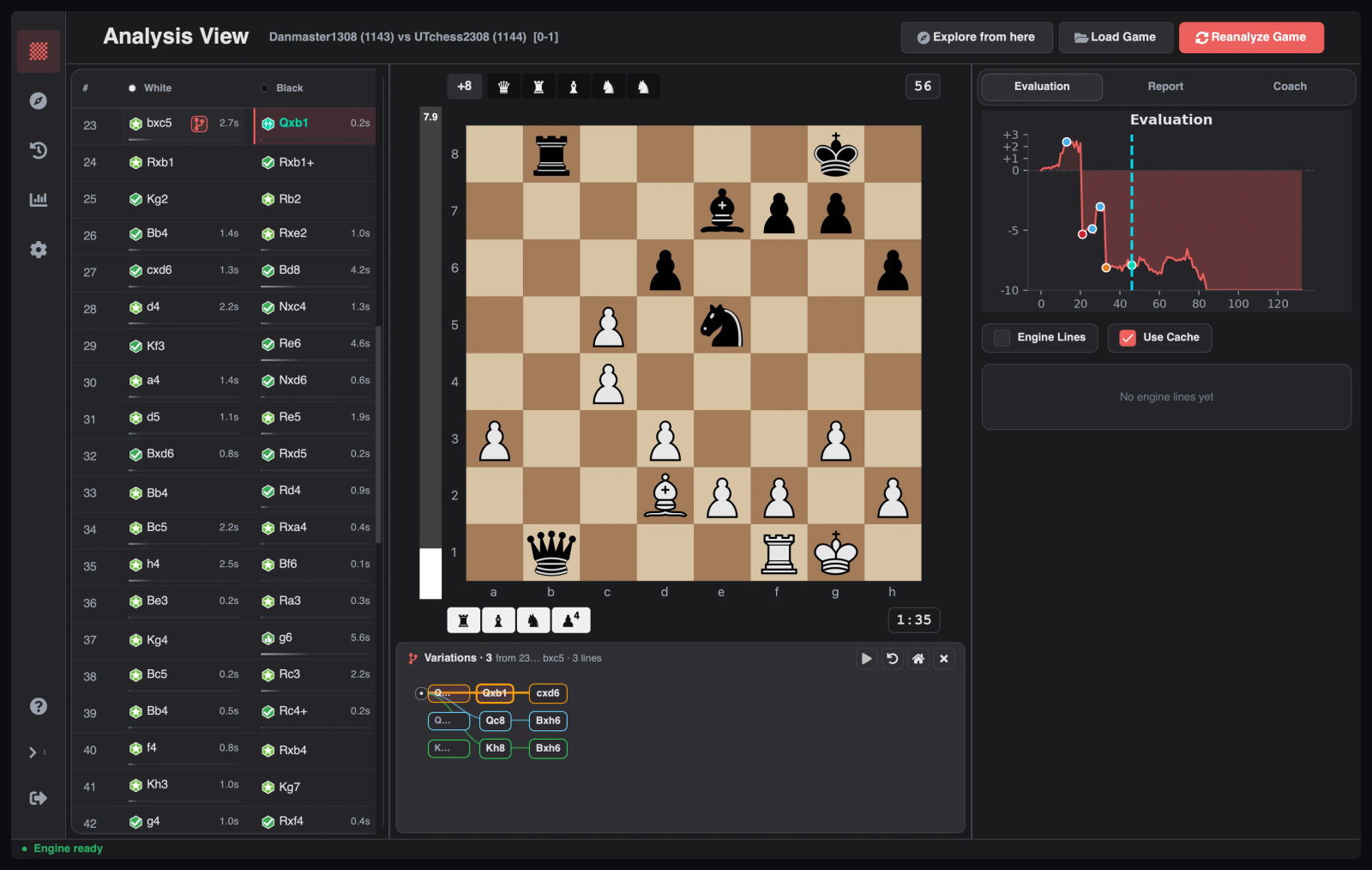
Branch without leaving the game
Play an alternative move from any analyzed position and keep it as a line beside the game. Start from the best move, a refutation, or an engine line, and compare several answers without touching the loaded game.
- Sibling branches side by side, each with its own colour and lane
- Click any node to jump, Alt+Up/Down to cycle sibling lines
- Saved-tree badges on the move list reopen a line later
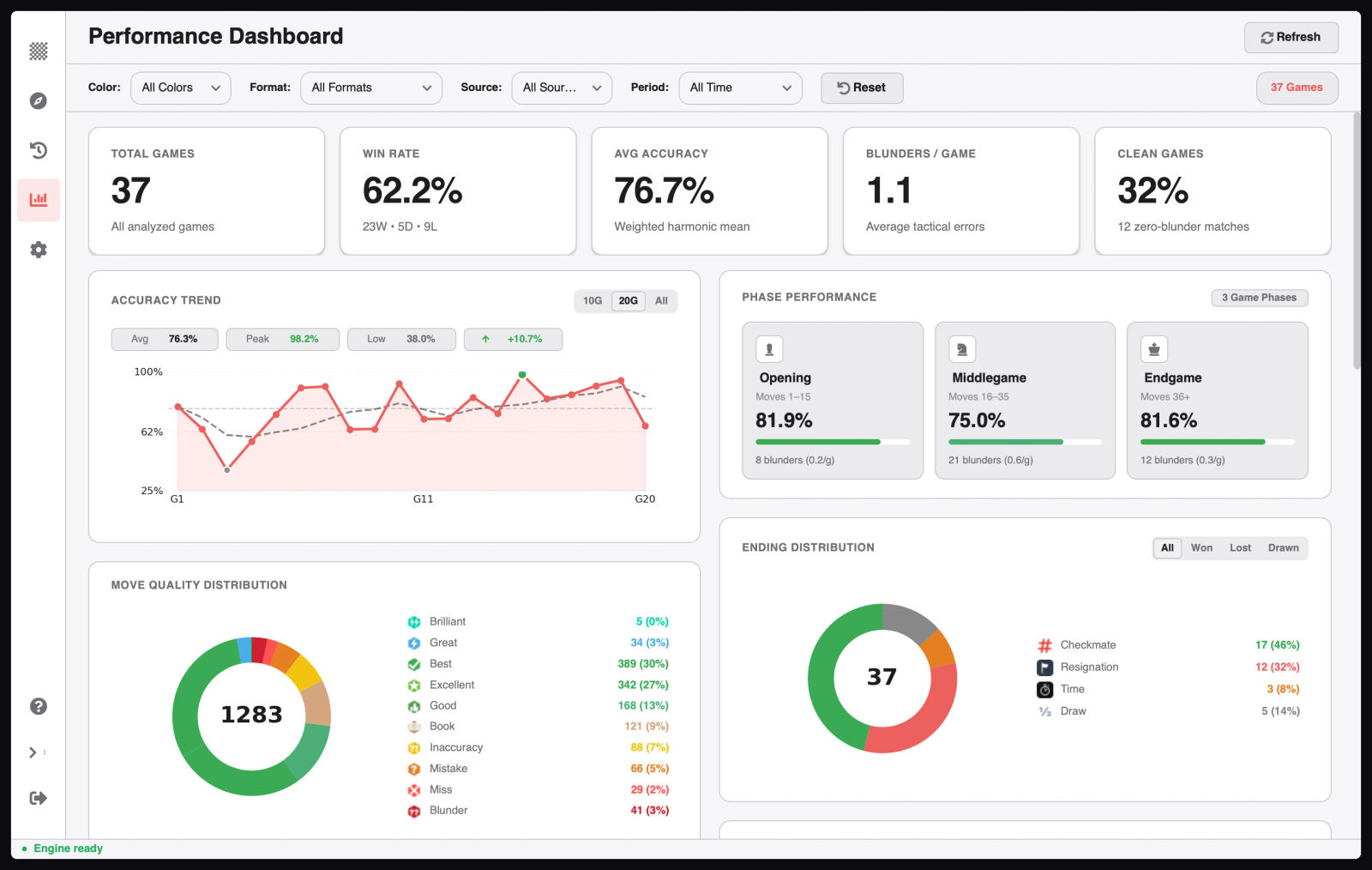
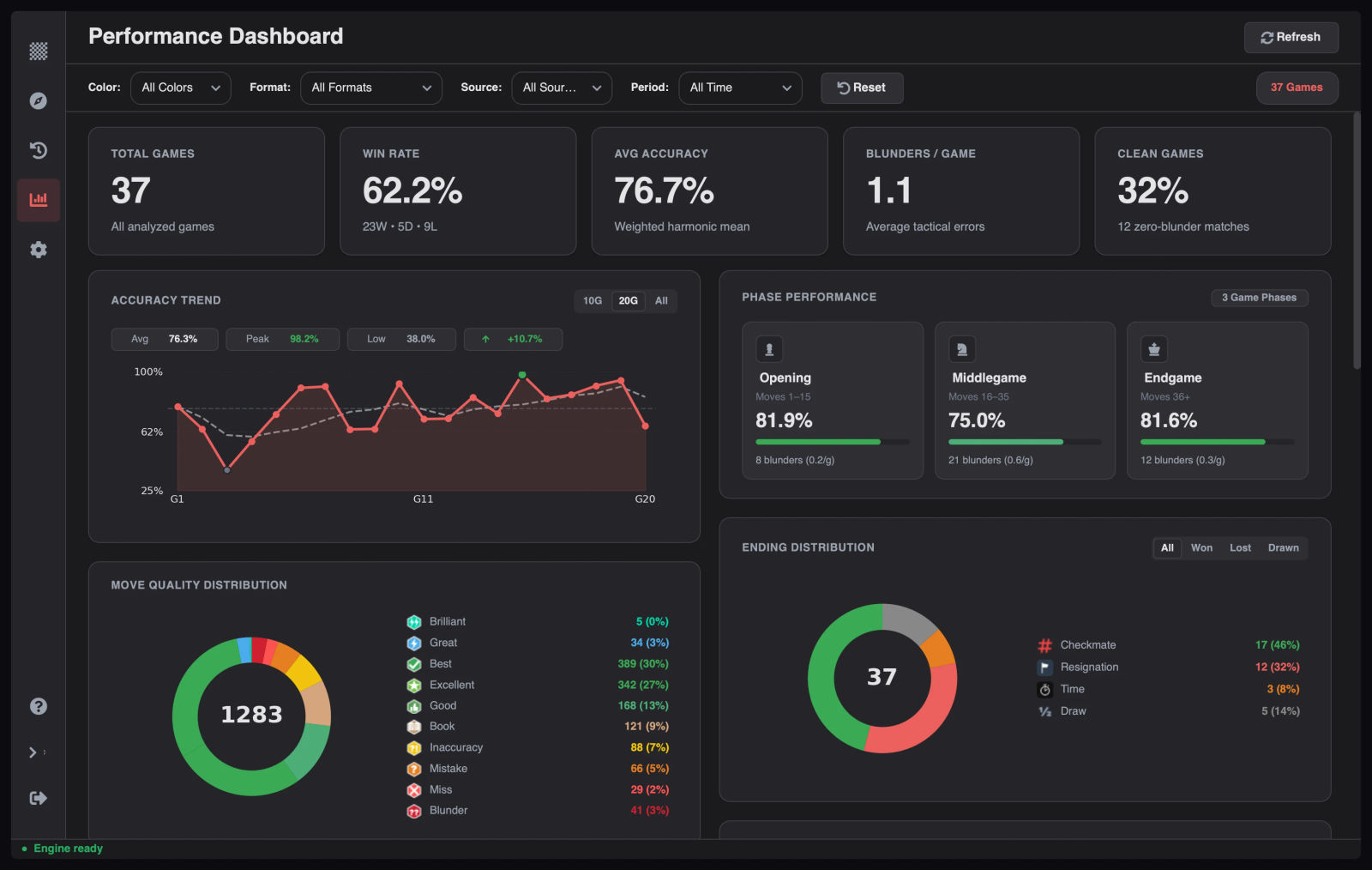
Stats that trace back to a position
Accuracy trends, phase splits, tactical motifs, hanging pieces, conversion rate, openings, and endings across your whole library. Click any number and the app shows the exact moves behind it.
- Filter by colour, format, source, and time period
- Drill-down opens the position with engine lines, ready to explore
- Reorderable chart cards; pinned summaries stay at the top
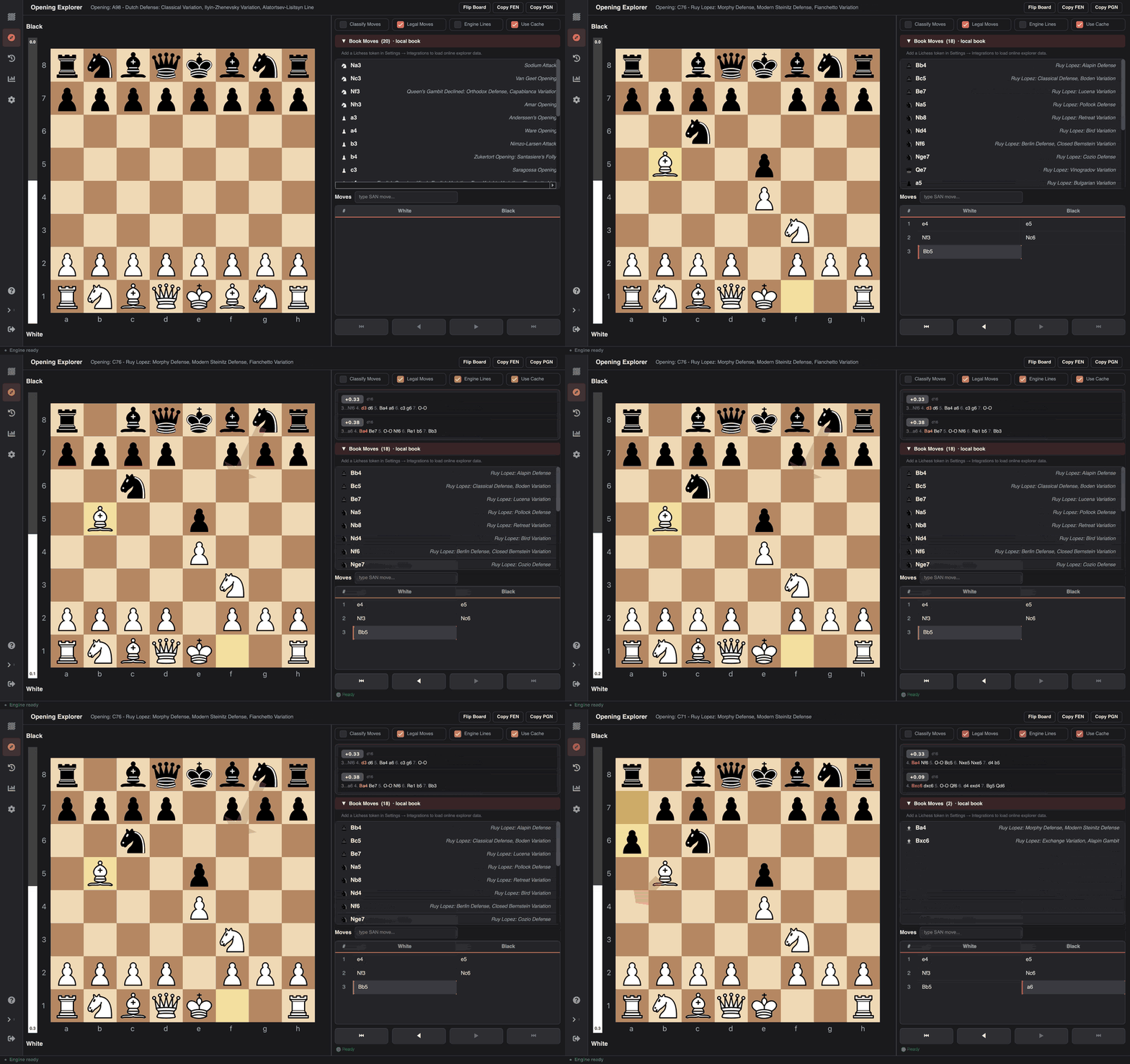
Book moves that work offline
Explore any position on its own board. The bundled opening database answers without a connection, a Polyglot book can replace it, and a Lichess token adds live game statistics when you want them.
- Polyglot .bin books take priority over the bundled database
- Each book move is labelled with the opening it leads to
- Live engine lines, SAN input, and Copy FEN / Copy PGN
What makes daily use pleasant
The parts you notice after a few hundred games.
Re-analysis is instant
Every evaluation is cached per position, so reopening a game never re-runs the engine. WAL-mode SQLite, validated backup and restore, and CSV export keep the library portable.
Game history with nothing stored online
Every analyzed game lands in a local SQLite library you can search, filter, sort, and page through offline. Paused games reopen exactly where they stopped, and nothing is uploaded anywhere.
Customization that applies live
Accent colours repaint the whole window instantly, eight board themes and overlay toggles change both boards, and any twelve-SVG piece set can be imported.
Settings as a real system
Schema-driven categories with search, a Basic and Advanced split, and single-source defaults. Engine tuning, storage, AI profiles, and shortcuts live in one place.
Built for keyboard work
Standard or Vim presets, arrow and critical-move stepping, auto-replay, page switching, and a full cheat sheet on F1.
Private by architecture
No account, no telemetry, no cloud. API keys go to the OS credential store, and analysis, openings, history, and statistics all work with the network off.
Also included
Standard capabilities the app ships with.
Chess960 (Fischer Random) analysis
Interactive board with legal-move dots, captured pieces, and an evaluation bar
Opening name and ECO code shown while you play
Stockfish auto-detection and a one-click downloader
First-run setup wizard for engine, AI, accounts, and appearance
CC0 sound effects for moves, captures, checks, and results
In-app feedback with diagnostic logs
Automatic update checks from GitHub releases
Download Chess Analyzer Pro
Free, open-source under GPL-3.0, and runs entirely on your local machine.