Getting Started
Back to Docs
Download Free
Chess Analyzer Pro is a free, open-source desktop application for analyzing chess games using Stockfish. It runs on Windows, macOS, and Linux. All analysis happens locally -no subscriptions, no data uploads, no limits.
 Splash screen -application loading
System Requirements
- OS: Windows 10+, macOS 11+, Linux (AppImage)
- Storage: ~200 MB for the application
- RAM: 4 GB minimum (8 GB recommended)
- Stockfish: A Stockfish chess engine binary (auto-download available)
Option A: Download Prebuilt Binary
The easiest way to get started. Visit the Releases page and download the installer for your platform.
Windows
- Download
ChessAnalyzerPro-Setup.exefrom the releases page. - Run the installer. A SmartScreen warning may appear -click More Info → Run Anyway.
- Launch from Start Menu or desktop shortcut.
- If Stockfish analysis fails, install the Microsoft Visual C++ Redistributable.
macOS
- Download
ChessAnalyzerPro.dmgfrom the releases page. - Open the
.dmgand dragChessAnalyzerPro.appto your Applications folder. - Launch from Applications. On first launch, Gatekeeper quarantine is removed automatically (v2.2.0+).
Linux
- Download
ChessAnalyzerPro-x86_64.AppImagefrom the releases page. - Make it executable:
chmod +x ChessAnalyzerPro-*.AppImage - Double-click the AppImage to launch.
Option B: Build from Source
For users who want the latest changes or prefer running from source.
Prerequisites
- Python 3.10 or higher
- Git
- Stockfish engine binary (download from stockfishchess.org)
Setup
git clone https://github.com/imutkarsht/Chess_analyzer.git cd Chess_analyzer python3 -m venv venv source venv/bin/activate # macOS/Linux # .\venv\Scripts\activate # Windowspip install -r requirements.txt python main.py For faster package management, use uv:
uv venv .venv source .venv/bin/activate uv pip install -r requirements.txt python main.py Note: The app uses PyQt6. On Linux, KDE-based distributions work best. GNOME may show minor graphical glitches but remains fully functional.
First-Run Setup Wizard
On first launch, the Setup Wizard walks through the essential configuration steps. Each step is optional -skip any and configure later from Settings.
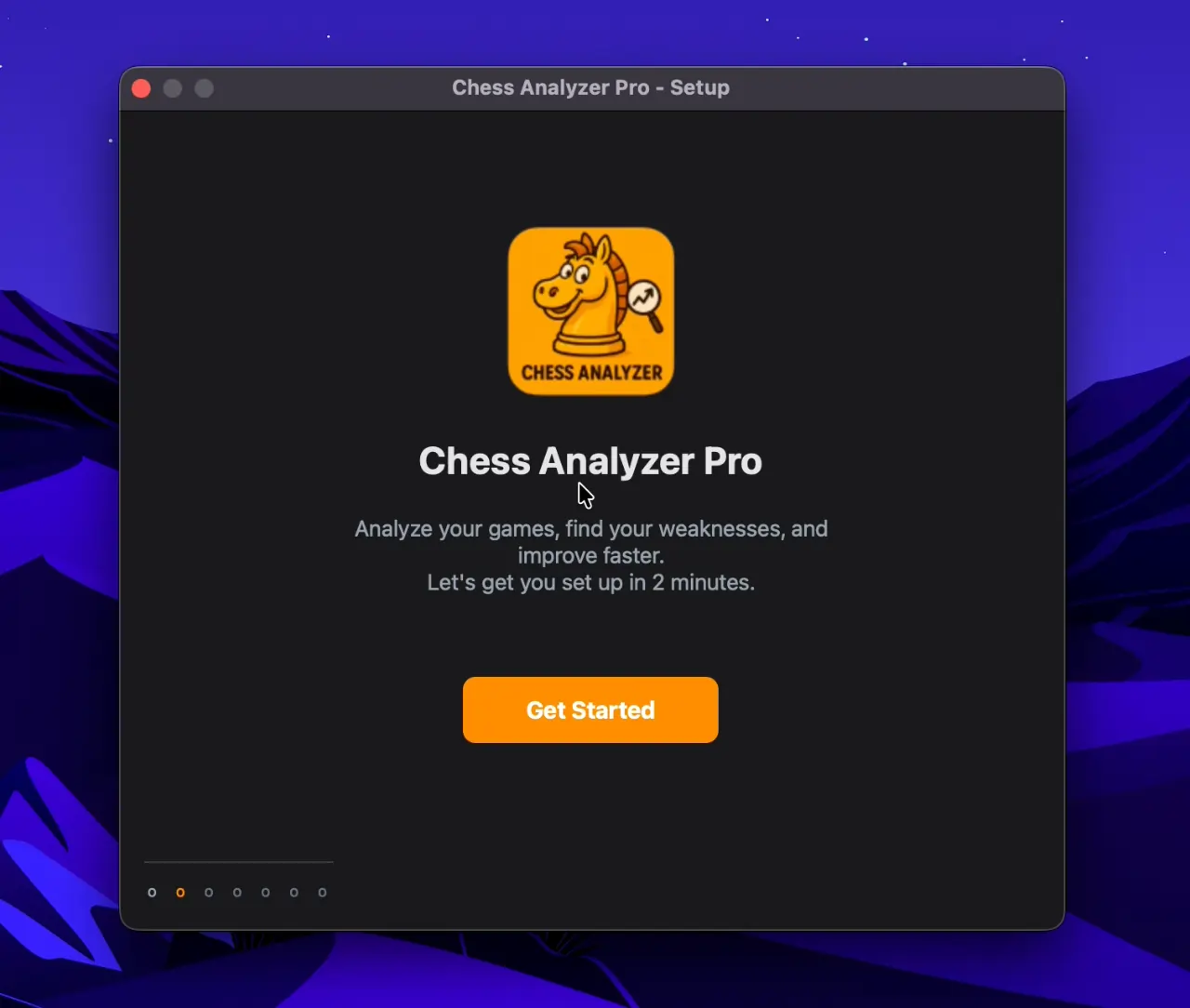 Setup Wizard -Welcome screen
Step 1: Stockfish Engine
The app automatically searches for Stockfish in these locations:
- Your saved engine path in config
- System PATH (
which stockfishon macOS/Linux) - Common install directories (Homebrew on macOS, standard paths)
- Previously downloaded location
If Stockfish is not found, the wizard offers a built-in downloader that fetches the correct binary for your platform.
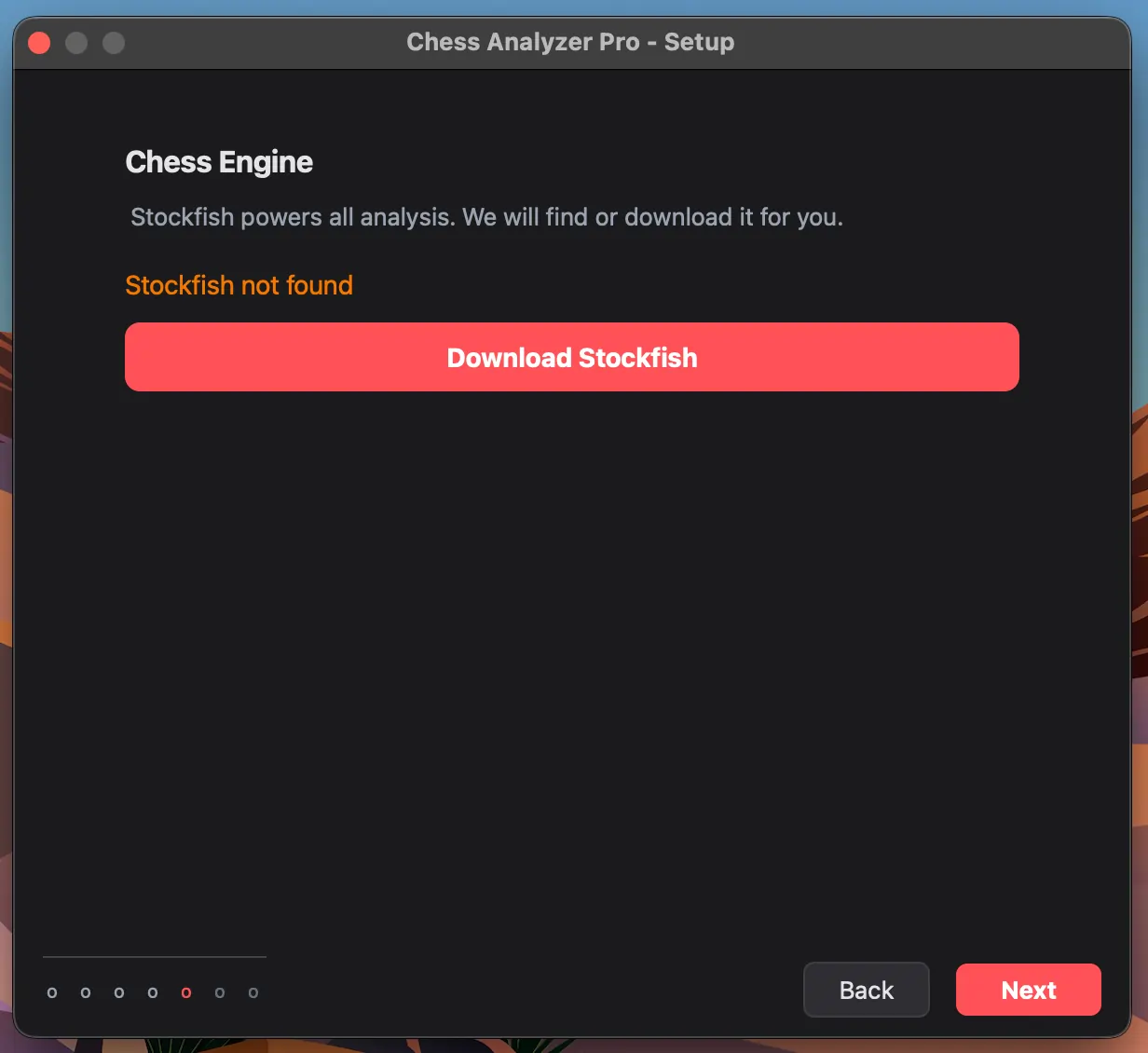 Setup Wizard -Stockfish configuration
To configure manually later: go to Settings → Chess Engine, click Browse, select the Stockfish executable, and click Save Engine Path. Use Test Engine to verify.
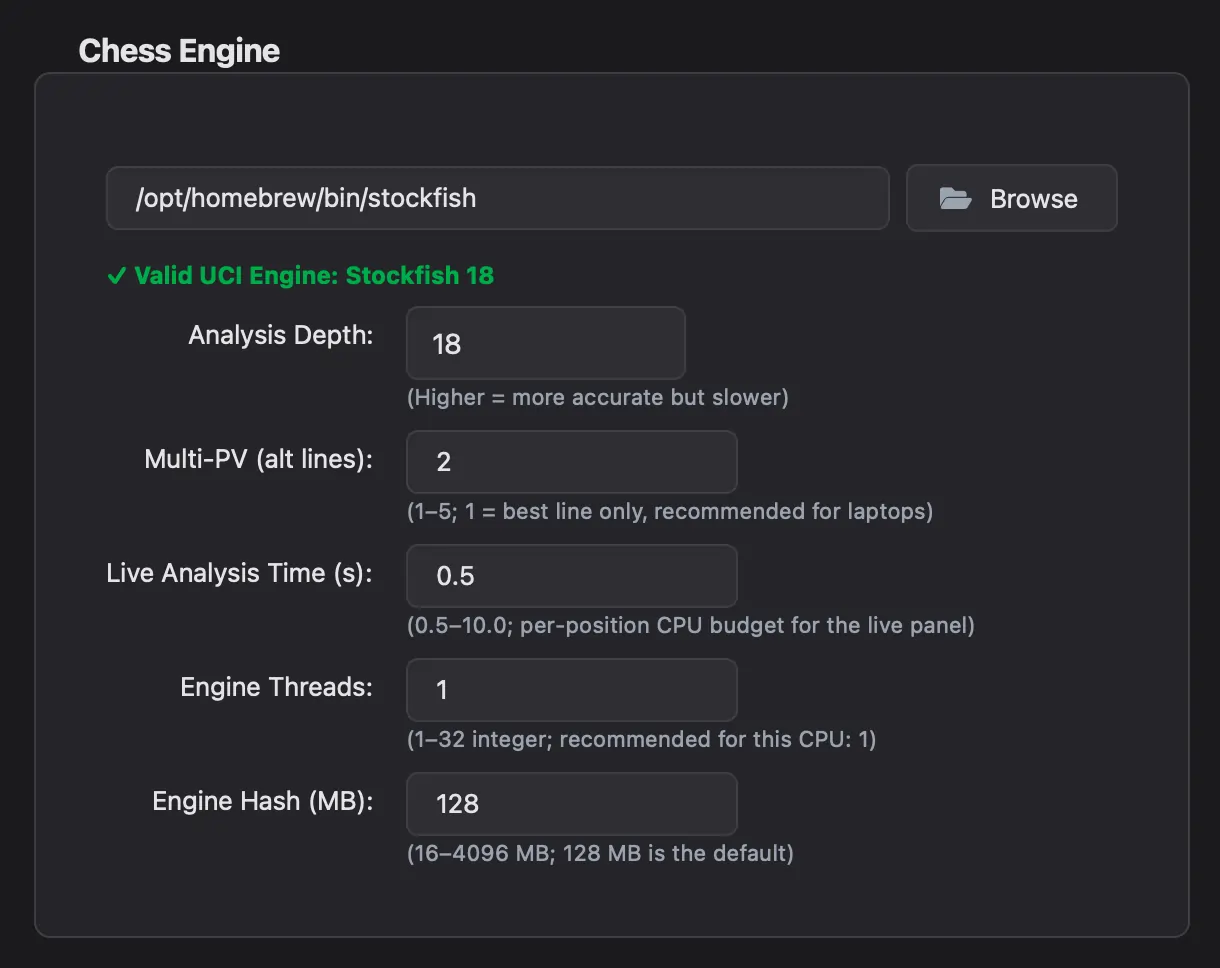 Settings -Engine path configuration
Step 2: LLM Provider (Optional)
Configure an LLM provider for AI game summaries and coach insights. A free Groq API key is the quickest option. See AI Features for details.
Step 3: Player Usernames (Optional)
Enter your Chess.com and Lichess usernames to speed up game loading and enable personalized statistics.
Step 4: Appearance
Choose your preferred application theme (Dark Mode or Light Mode), accent color, board theme, and piece set. You can also import custom piece sets or switch themes anytime from Settings.
Your First Analysis
- Click Load Game (or press
Ctrl+O). - Choose a source: drag a PGN file, paste PGN text, or enter a Chess.com/Lichess username or game URL.
- Select a game from the list and click Load Game.
- Click Analyze Game in the sidebar.
After analysis completes, you'll see:
- A move list with classification badges (colored by quality)
- An evaluation graph showing game momentum
- Accuracy percentages and move breakdown
- Engine recommendations for each position
Verify Everything Works
| Check | What to Look For |
|---|---|
| Stockfish | Status bar shows "Engine Ready" (green pill) |
| Game loaded | Board shows the starting position |
| Analysis | Move list populates with colored classification badges |
| Evaluation graph | Line chart appears below the board |
If any of these are missing, see the Troubleshooting guide.
Next Steps
- Loading Games -all import methods explained
- Analysis -move classification, navigation, engine lines
- Opening Explorer -explore positions independently
- Customization -themes, sounds, accent colors
Ready to analyze your chess games?
Download Chess Analyzer Pro for Windows, macOS, or Linux. 100% free, private, and open-source.