FAQ
Setup & Usage9
Project2
Short answers about pricing, privacy, engines, platforms, and supported features.
Yes. Chess Analyzer Pro is released under the GPL-3.0 license. There is no account, no subscription, and no limit on how many games you analyze. If you redistribute a modified version, it has to stay under the same license and keep the attribution notices.
No. Games, analysis, and settings stay on your machine. Network requests happen only when you:
No. Analysis, PGN parsing, openings, history, and the dashboard work fully offline. The AI Coach falls back to a deterministic explanation when no provider is reachable.
Usually not. The Setup Wizard searches your system and offers to download a matching build. You can also point the app at any Stockfish binary in Settings → Analysis.
Windows 10 and newer, macOS 11 and newer, and 64-bit Linux via AppImage. There is no mobile or web version.
Yes. Non-standard castling tags are detected automatically, the engine is configured with
UCI_Chess960, and boards are created in Chess960 mode.
Chess.com and Lichess, by recent games, by date, or by direct game URL. PGN files and pasted PGN text work without any connection.
There is no fixed cap. The library is a local SQLite database; the practical limit is disk space and how long you want the dashboard queries to run.
Two ways: export the library to CSV from the History header, and back up the whole SQLite database from Settings → Data & Storage. Both are reversible — CSV imports back, and a backup restores in place.
No. Groq has a free tier, and LM Studio runs a model locally with no key at all. Any OpenAI-compatible endpoint works, including a plain custom server.
In the platform data folder. See Data & Storage for the exact paths and file list.
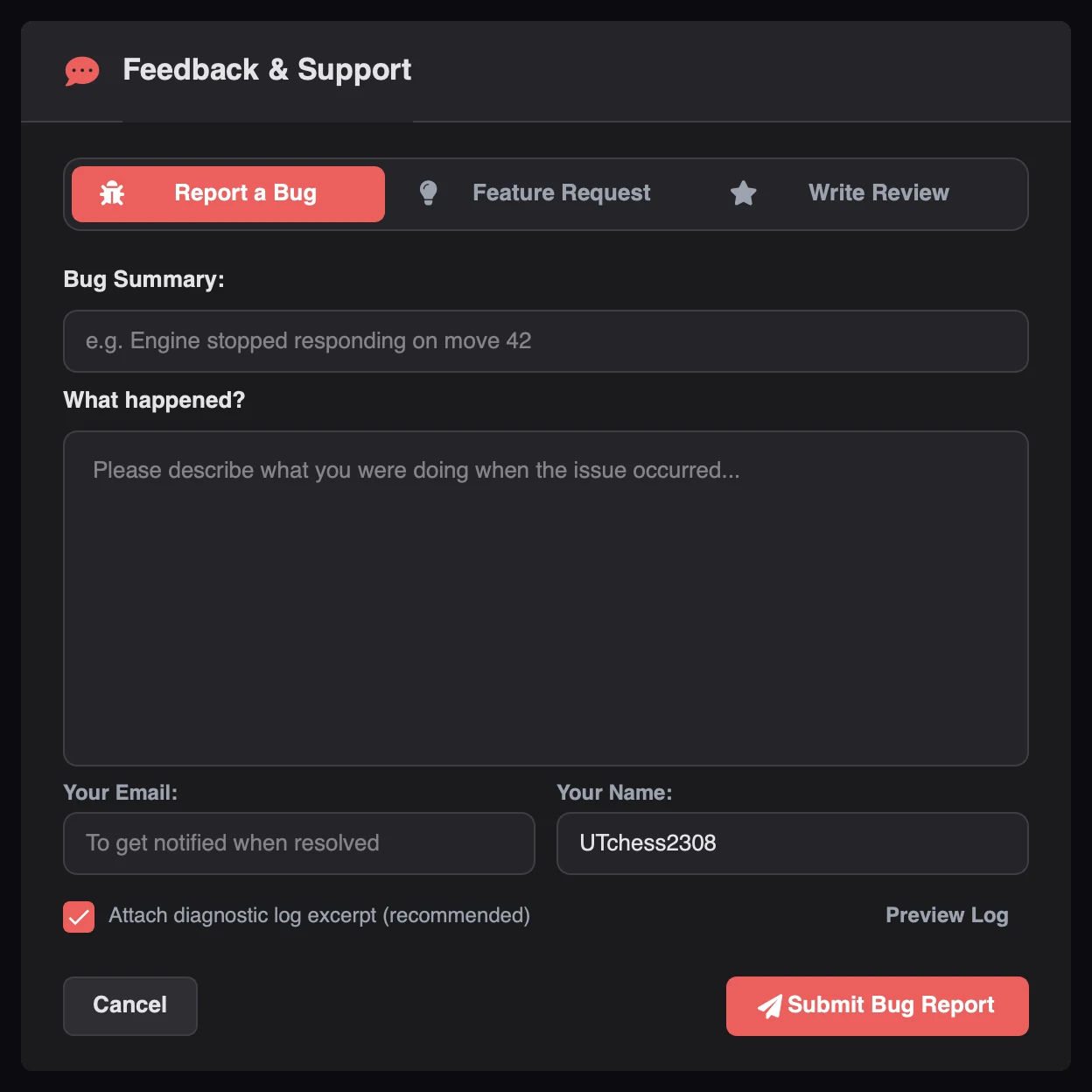
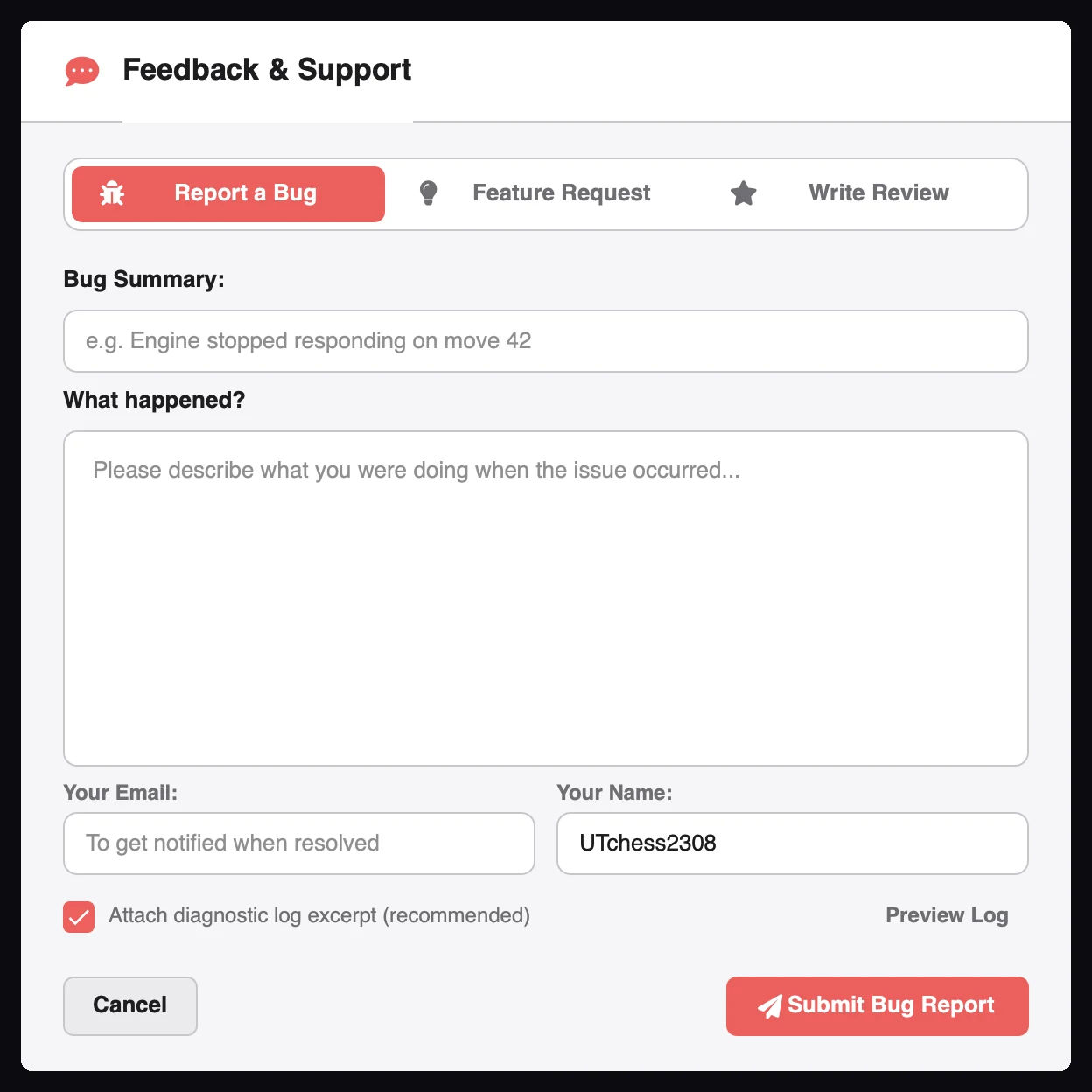
The OS, the app version, what you did, and what happened. The in-app feedback dialog can attach the relevant log section for you.
Troubleshooting covers the most common causes first.
Download Chess Analyzer Pro for Windows, macOS, or Linux. 100% free, private, and open-source.